How to Place Your First Order
Place Your First Order
Welcome to Caliente Jerky. Ordering takes about two minutes — here's the whole thing, start to finish.
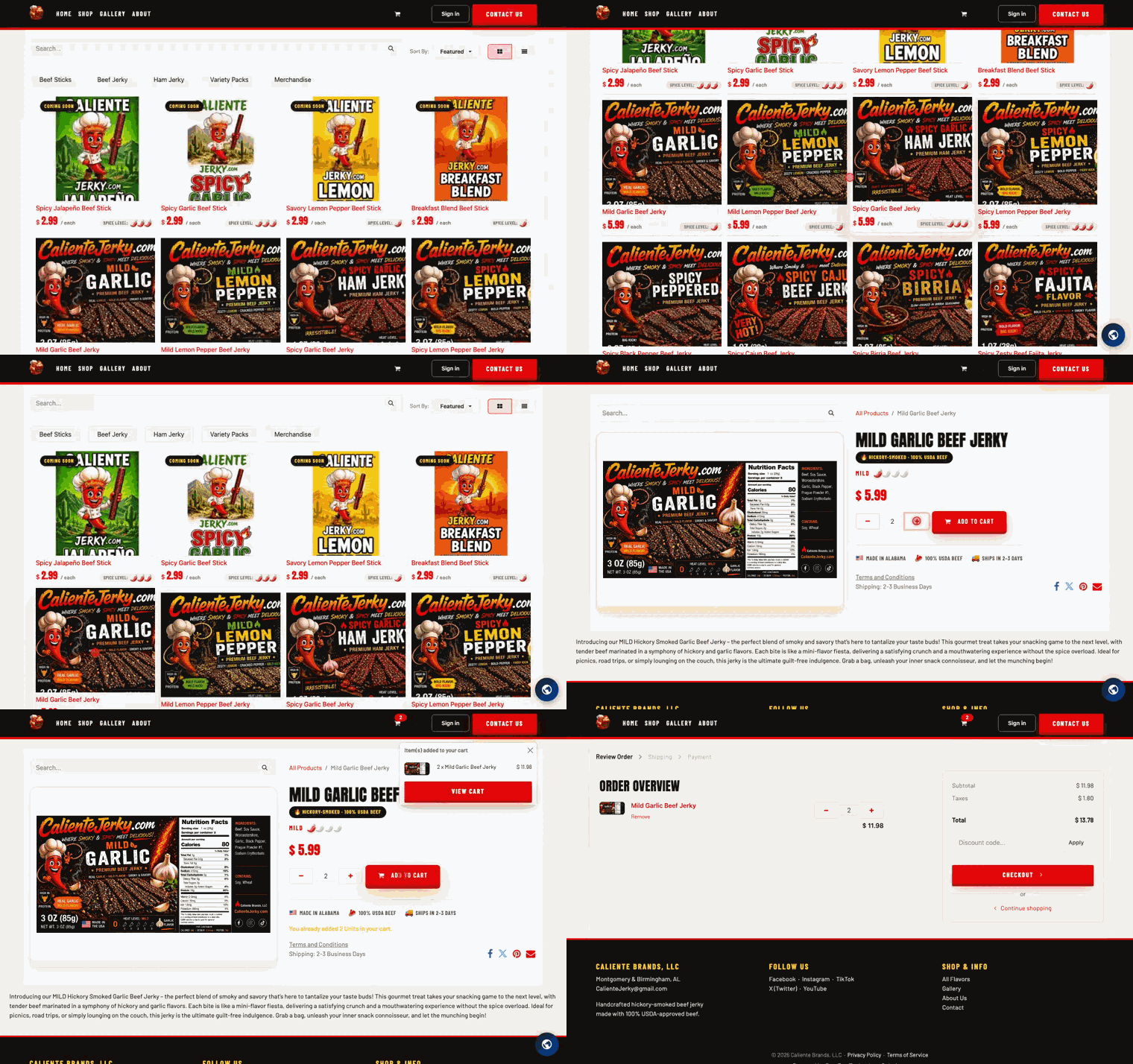
1. Browse the shop
Head to the Shop page from the main menu. Every flavor card shows the price per bag and the heat level — from Mild all the way up to Extreme — so you can size up your spice tolerance before you click.
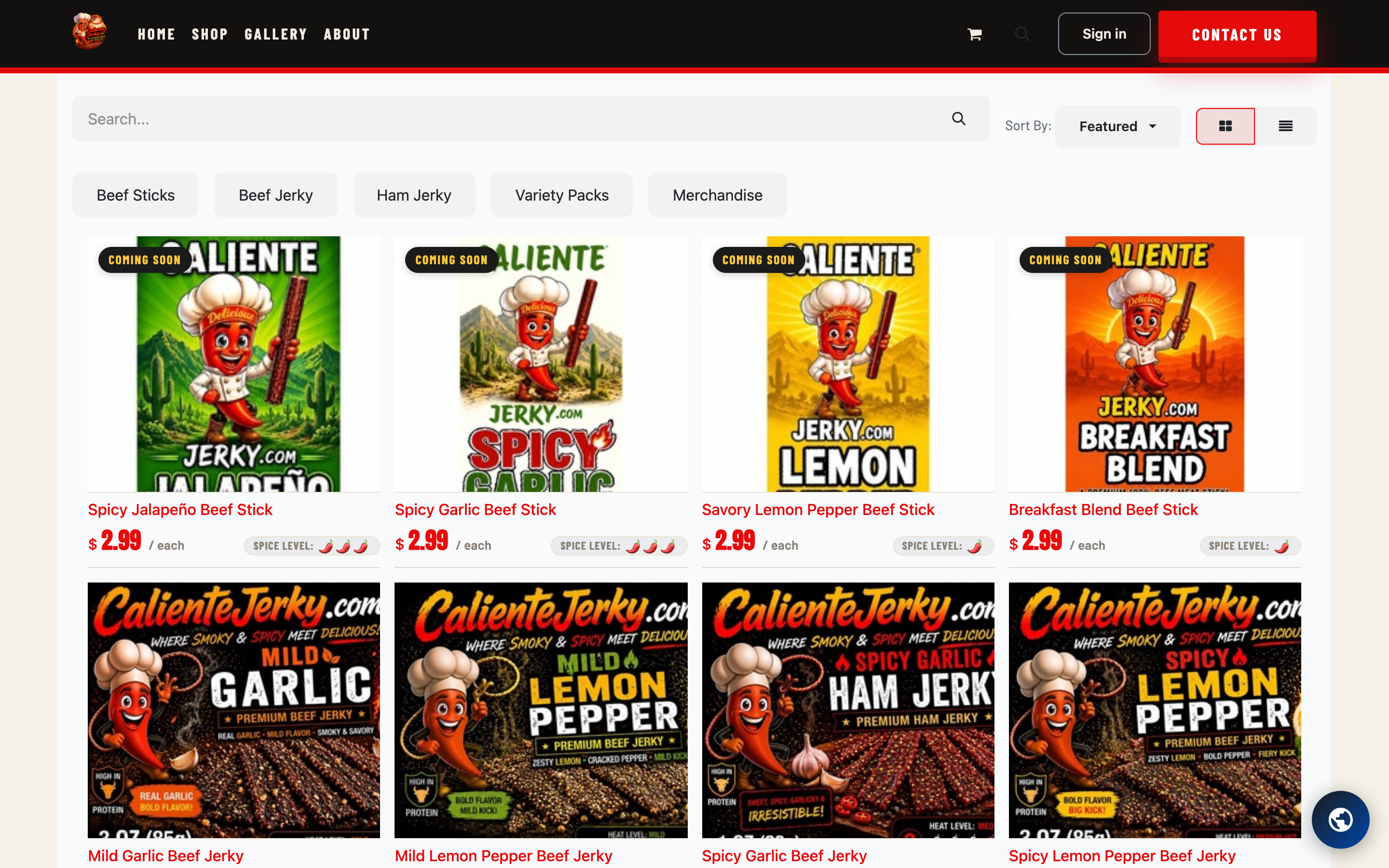
2. Pick your flavor
Click any flavor to open its page. You'll see the heat meter, what makes that flavor tick, and the Add to Cart button. Choose your quantity and add it — then keep browsing if you want to round out the box.
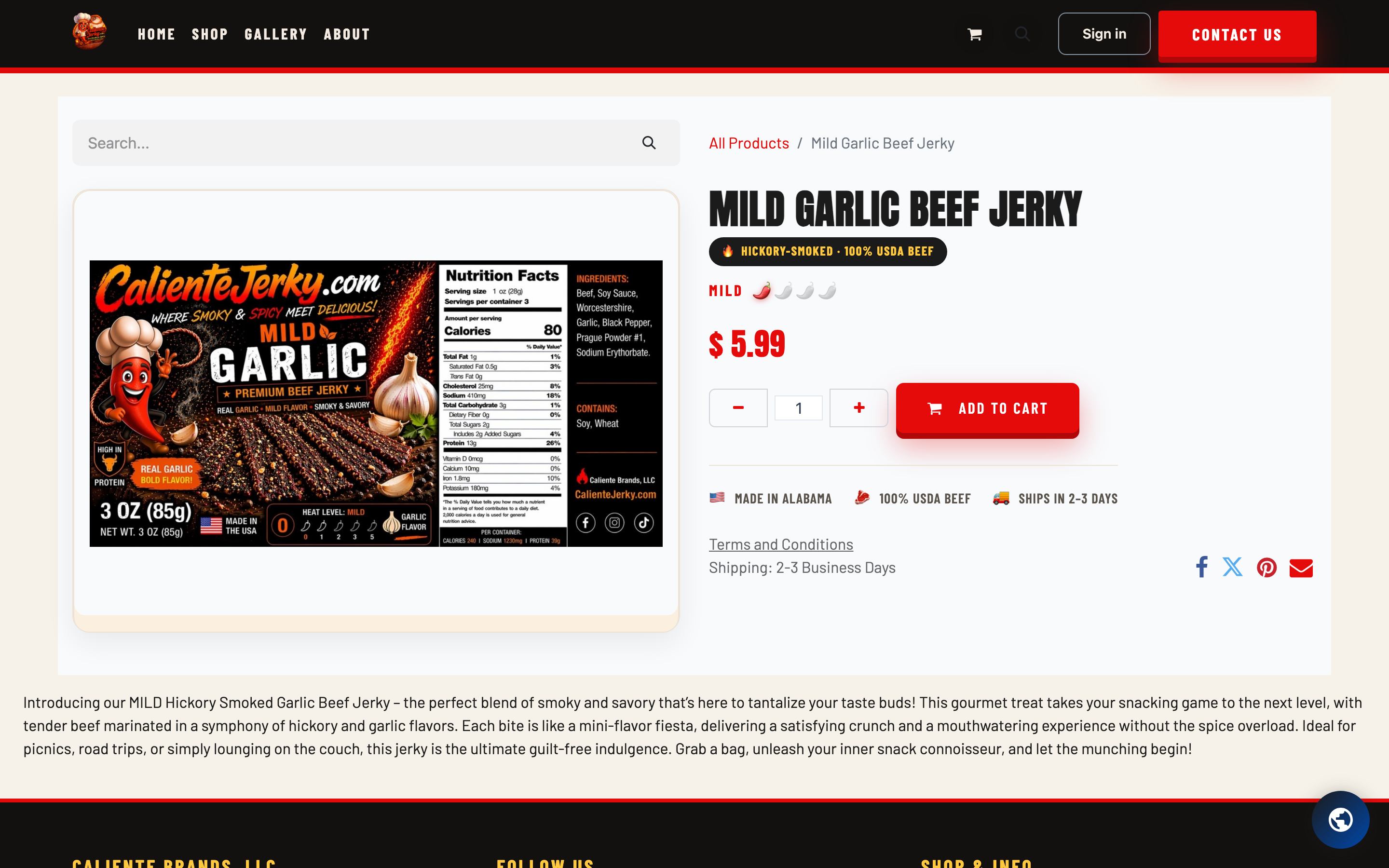
See a "Coming Soon" badge? That flavor hasn't launched yet. Drop your email in the Notify Me box on its page and we'll email you the day it drops — no account needed.
3. Review your cart
Click the cart icon in the top corner to see everything you've picked. Adjust quantities, remove anything you've thought better of, and check your total. When it looks right, hit Checkout.
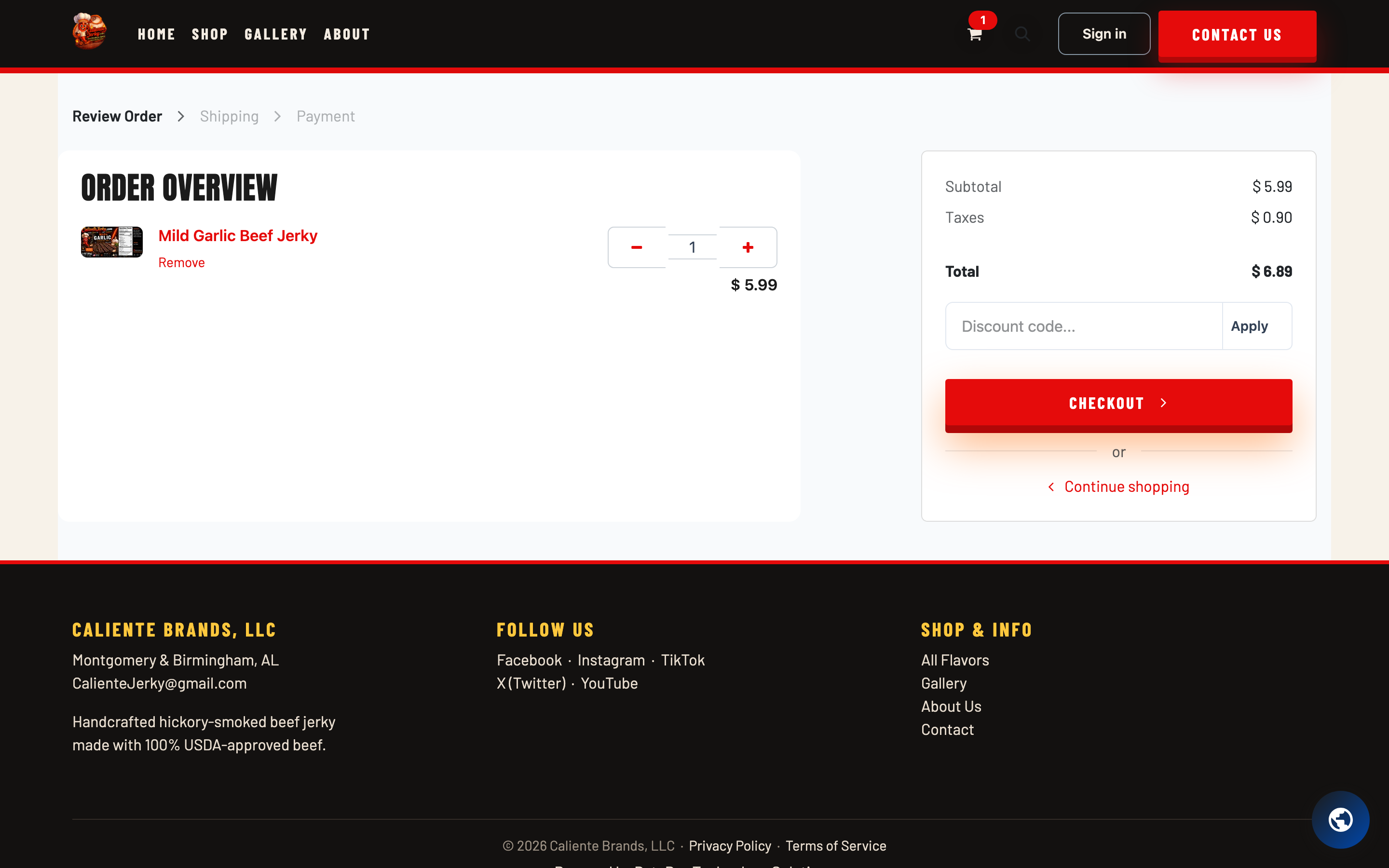
4. Check out
Checkout asks for three things:
- Your address — where the jerky's headed.
- Delivery — confirm your shipping option.
- Payment — enter your payment details on the secure payment step and confirm your order.
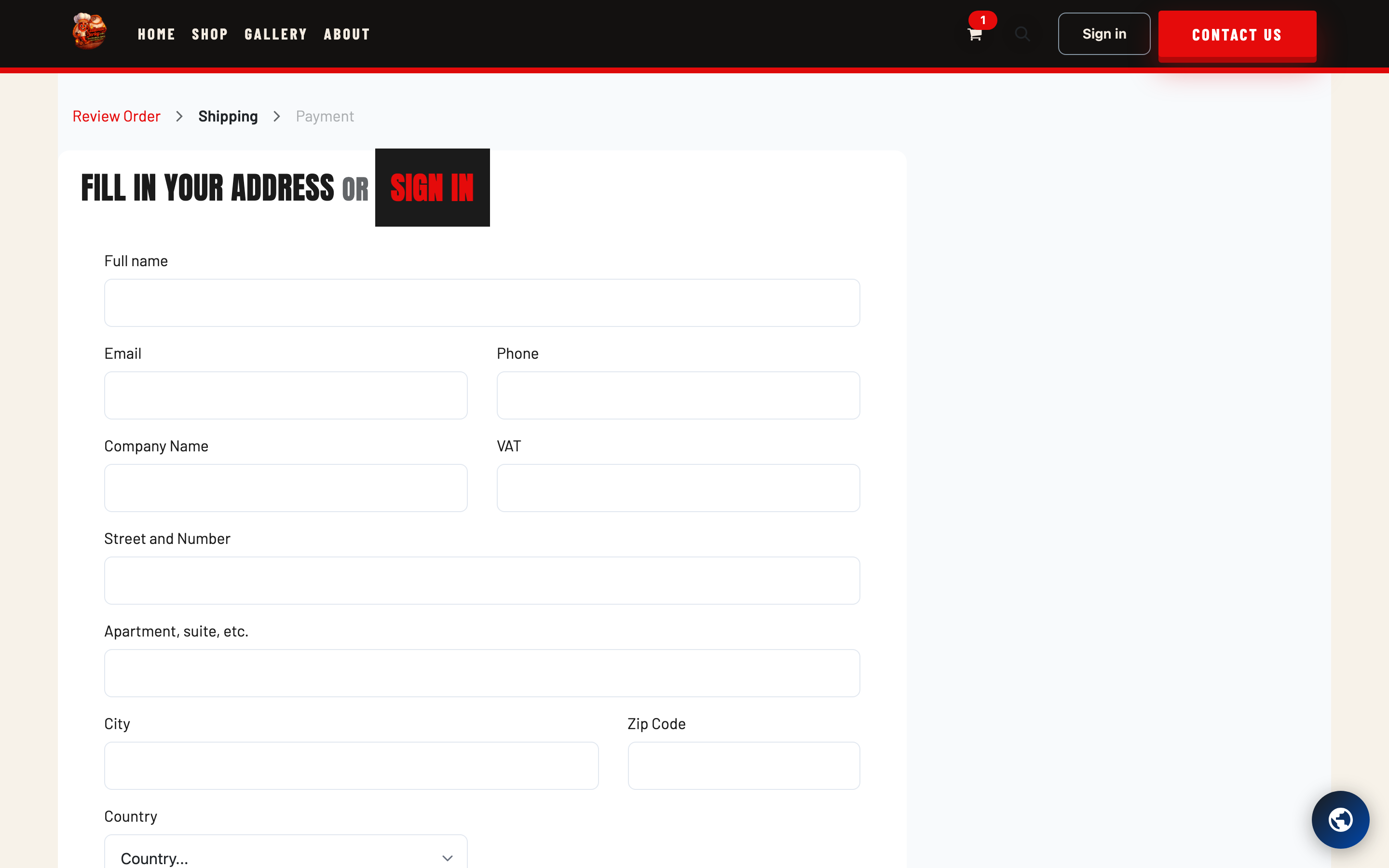
That's it. You'll get an order confirmation email right away with your order number and everything you bought — keep it handy, it's your fastest line to us if you ever have a question about the order.
What happens after you order
- Right away: your order confirmation email lands in your inbox.
- Within 2–3 business days: your jerky ships, and you'll get a shipping email with tracking. You can also follow it from Your Orders in your account — see Tracking Your Shipment.
- Need to change something? Wrong address, wrong flavor, instant regret about not ordering more? Contact us as fast as you can — if the order hasn't shipped yet, we'll do our best to catch it.
Tip: set a password during checkout to create your account. You'll get order history, one-click reordering with Order Again, saved addresses, and downloadable order receipts. See Creating Your Account for the details.
Need a hand?
If anything trips you up, use our contact page or email [email protected] — a real human will get back to you.