Creating Your Account
Creating Your Account
You don't need an account to buy jerky — but having one makes round two (and three, and four) a lot faster. Here's how to set one up and what it unlocks.
How to create your account
There are two easy ways:
- During checkout. The simplest route — place your first order and set a password when prompted. Your order is linked to the new account automatically.
- From the sign-in page. Click Sign in in the top menu, then choose the option to create an account. Use the same email you order with so your order history finds you.
What your account gives you
Once you're signed in, click your name and choose My Account. That's your home base:
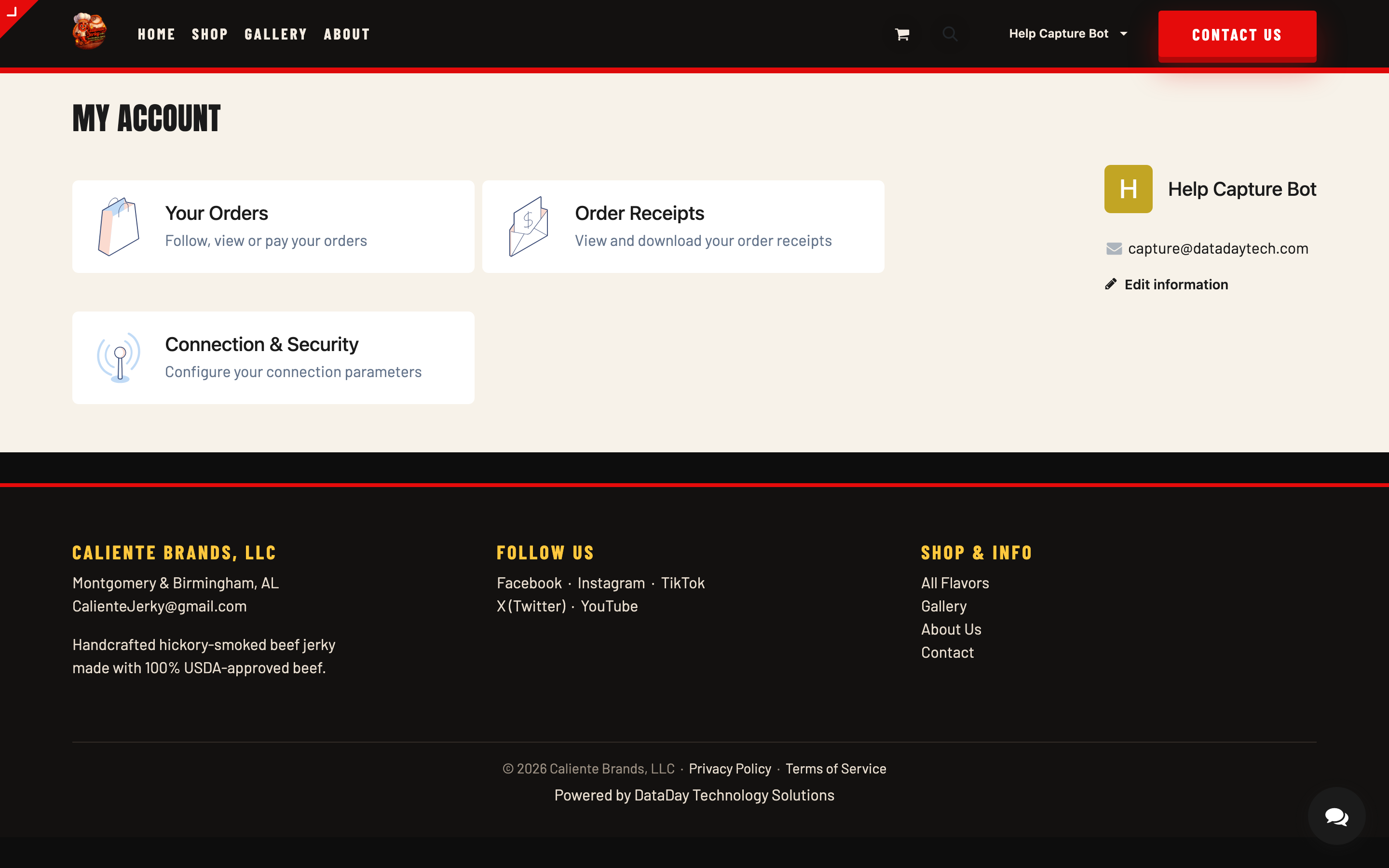
- Your Orders — every order you've placed, with its current status and tracking details once it ships.
- Order Again — open any past order and hit Order Again to refill your cart with the same lineup in one click. Dangerous in the best way.
- Order Receipts — view and download the receipt for any order, whenever you need it.
- Addresses — save your shipping and billing addresses so checkout takes seconds. Great if you split time between home and office, or regularly send jerky to someone who's earned it.
- Faster checkout — your details are pre-filled every time you come back.
No account needed for the waitlist. If a flavor shows a "Coming Soon" badge, you can join its launch list with just your email — account or not. See Back-in-Stock & Launch Notifications.
Already ordered without an account?
No problem — your jerky shipped just the same. If you'd like your past orders to show up in a new account, create the account with the same email address you used at checkout. If something from an earlier order isn't showing, send us a note with the order number and we'll connect the dots from our side.
Signing in later
Come back any time, click Sign in, and use your email and password. Forgot the password? Use the reset link on the sign-in page and we'll email you a fresh start.
A note on your info
We use your details to fulfill your orders and keep you posted on them — that's it. Payment details are handled by our secure payment processor and never stored on our servers.
Stuck?
If you can't sign in or your orders aren't showing up, reach out via the contact page or [email protected] and we'll sort it out.