Understanding Your Order Receipts
Understanding Your Order Receipts
Every Caliente order comes with a paper trail (the good kind). Here's where your receipts live, what's on them, and how to reorder your favorites in one click while you're in there.
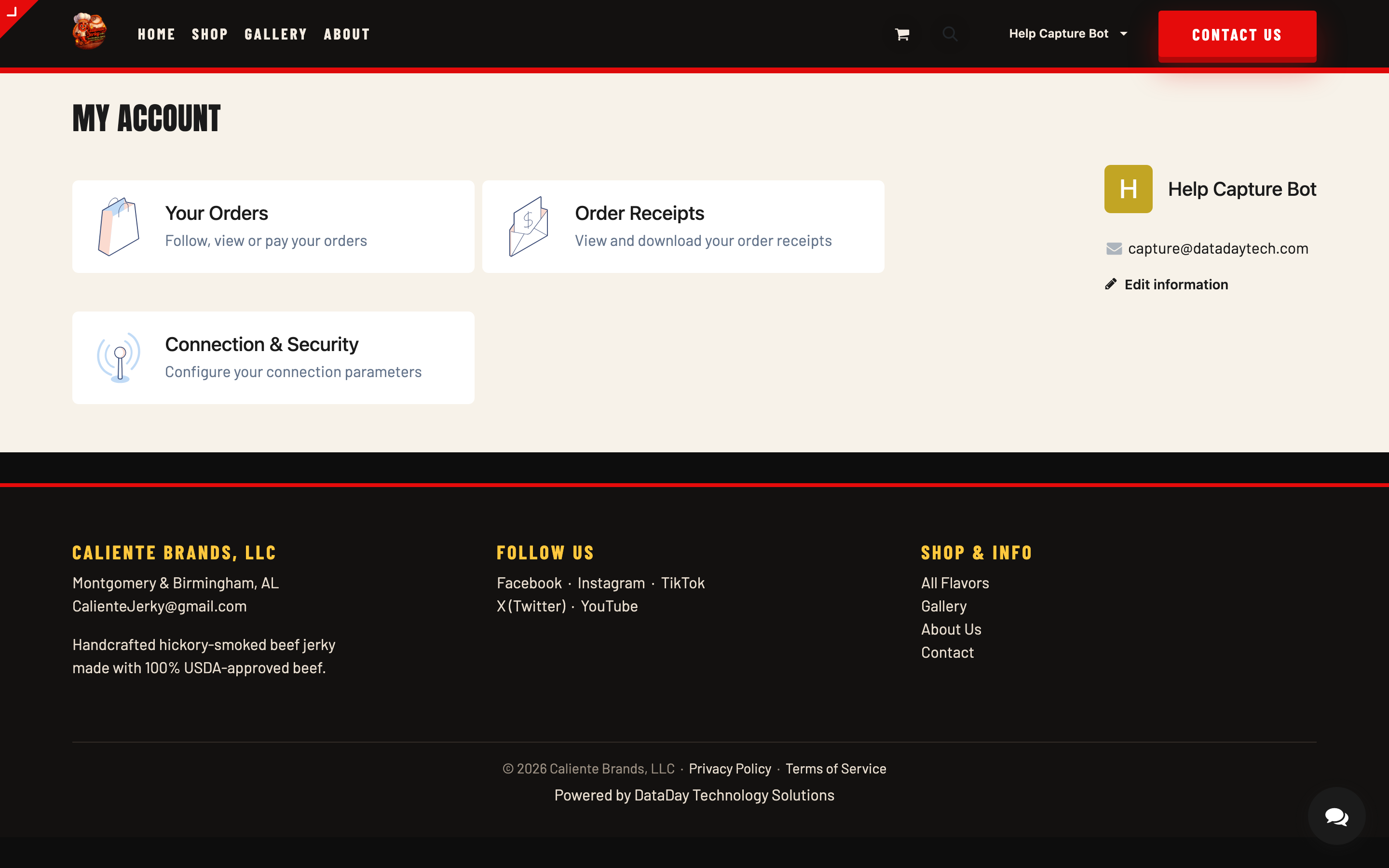
Where to find your receipts
- Sign in and click your name, then My Account.
- Open the Order Receipts card.
- Click any receipt to view it, or download it as a PDF for your records.
Orders vs. receipts — what's the difference?
Your account keeps two views of every purchase:
- Your Orders — the live view: what you ordered, its current status, and tracking once it ships. This is where you go while an order is in motion.
- Order Receipts — the official record: an itemized receipt for each completed order, with products, quantities, prices, and totals. This is where you go after the fact — for budgeting, expense reports, or settling the "how much jerky did we really buy this year?" debate.
What's on a receipt
- The receipt number and date
- Each product, quantity, and price
- Shipping and the order total
- The payment status
Need a copy for someone else? The PDF download prints clean — no screenshots required.
The Order Again button
Found the order that hit just right? Open it under Your Orders and click Order Again. Everything from that order lands back in your cart — same flavors, same quantities — and you're at checkout in seconds. Tweak the cart if your spice tolerance has, ahem, evolved since last time.
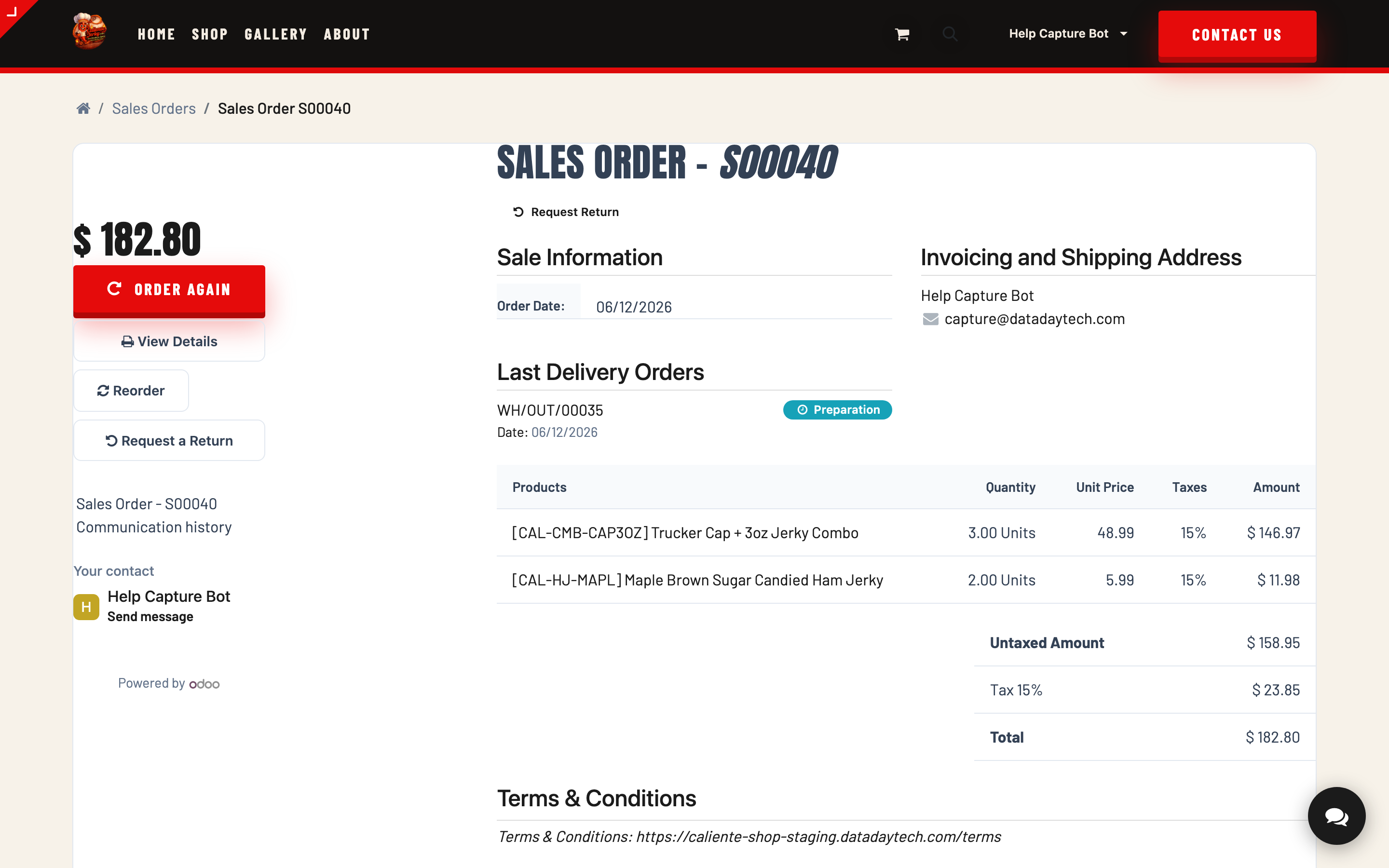
Tip: Order Again is the fastest way to keep the jerky drawer stocked. Set a calendar reminder if your household burns through bags faster than expected. (They always do.)
Ordered without an account?
Your order confirmation email is your record of the purchase — it lists everything you bought and what you paid, so for most people it does the job. If you'd like proper downloadable receipts and order history going forward, create an account with the same email you used at checkout (see Creating Your Account).
Something on a receipt look off?
If a receipt doesn't match what you ordered or what you were charged, contact us via the contact page or [email protected] with the receipt number, and we'll straighten it out.